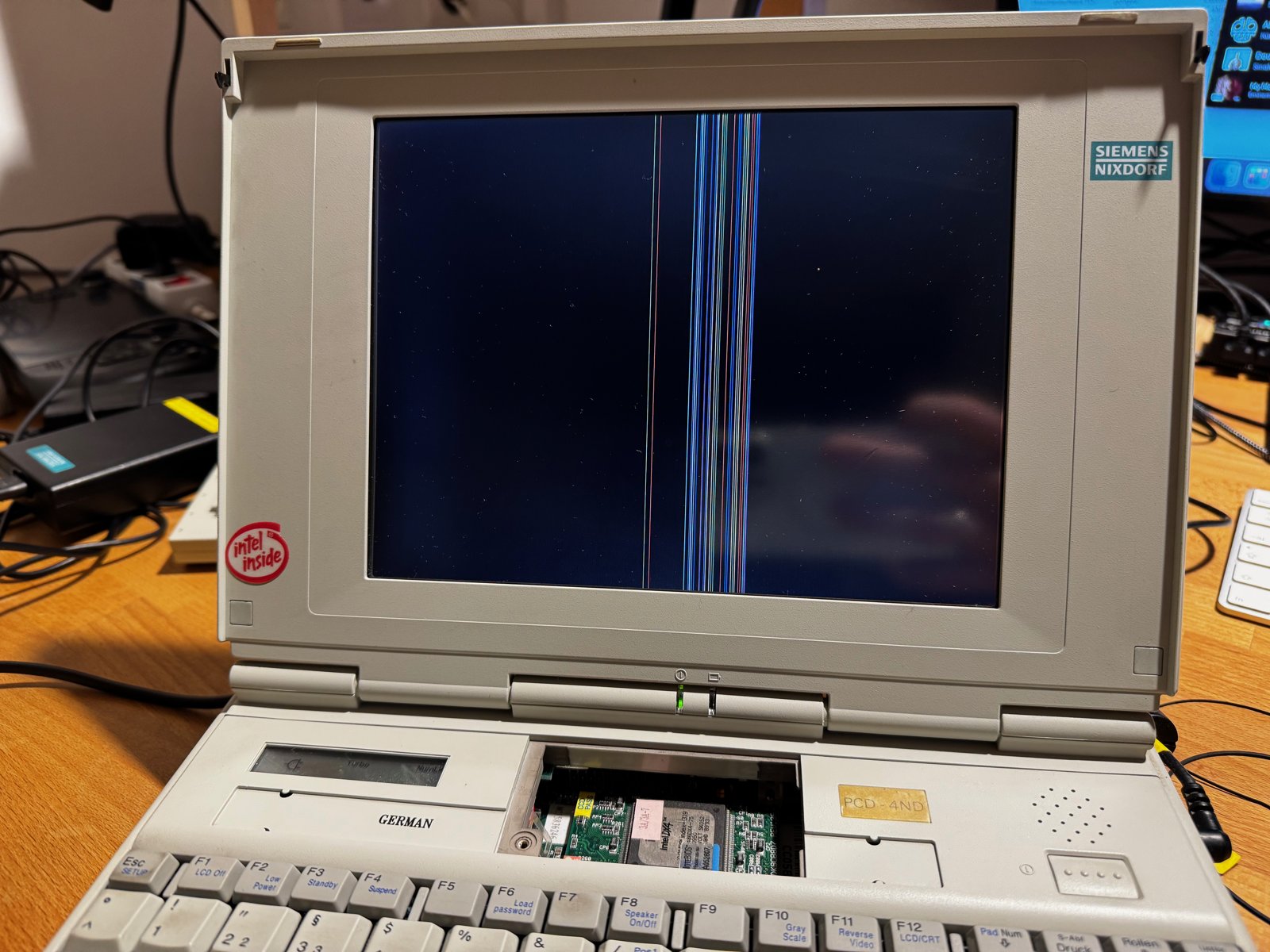
(Fig. 1: The Siemens Nixdorf PCD 4ND with red vertical stripes in the display)
In December 2024, I drove over 350 km (round trip) to pick up a Siemens Nixdorf PCD 4ND that I had bought on kleinanzeigen.de. On the pictures, it looked like it was in excellent condition. When I arrived, an elderly couple had already set it up for testing on their living room table. And I immediately noticed a few problems:
- A red vertical stripe ran through the display.
- The floppy drive couldn't read any disks.
- Windows 3.11 showed a "System Error" and did not start.
The red stripe bothered me the most. But the sellers took 20 Euros off the price, so I took it home for 80 Euros:
| Component | Specification |
|---|---|
| CPU | 486DX4 with 75 MHz |
| RAM | 4 MB |
| Hard drive | 500 MB |
| Sound | Sound Blaster compatible |
| Display | Active matrix TFT (Sharp LQ94D021) - with a red stripe |
In the evening, when I turned it on at home, this is what I saw:
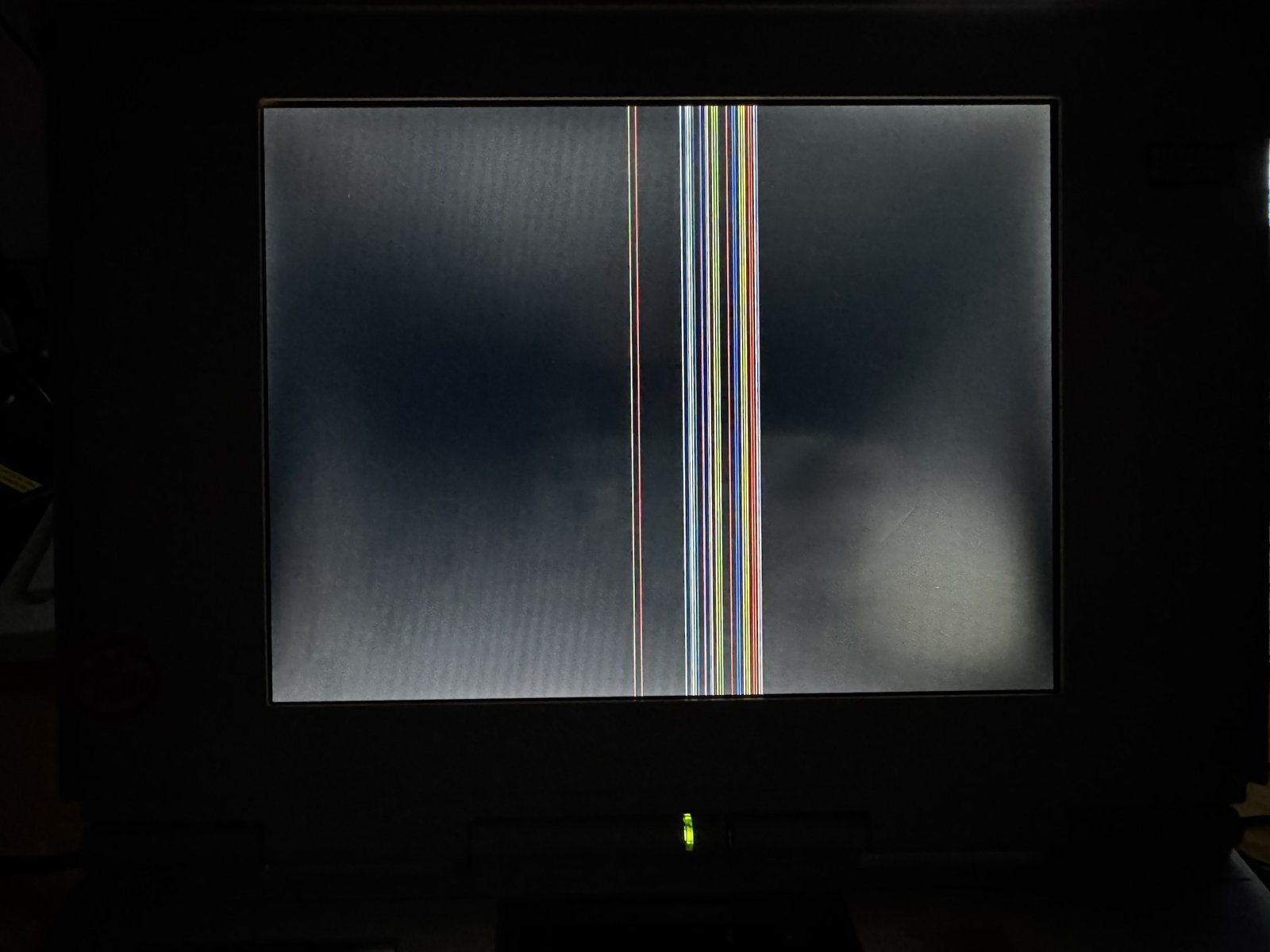
(Fig. 2: More stripes after the drive home)
For some reason, the stripes had multiplied during the transport.
The Floppy Drive
I started with the floppy drive (internally a Citizen LR102061). It only had a worn-out drive belt:
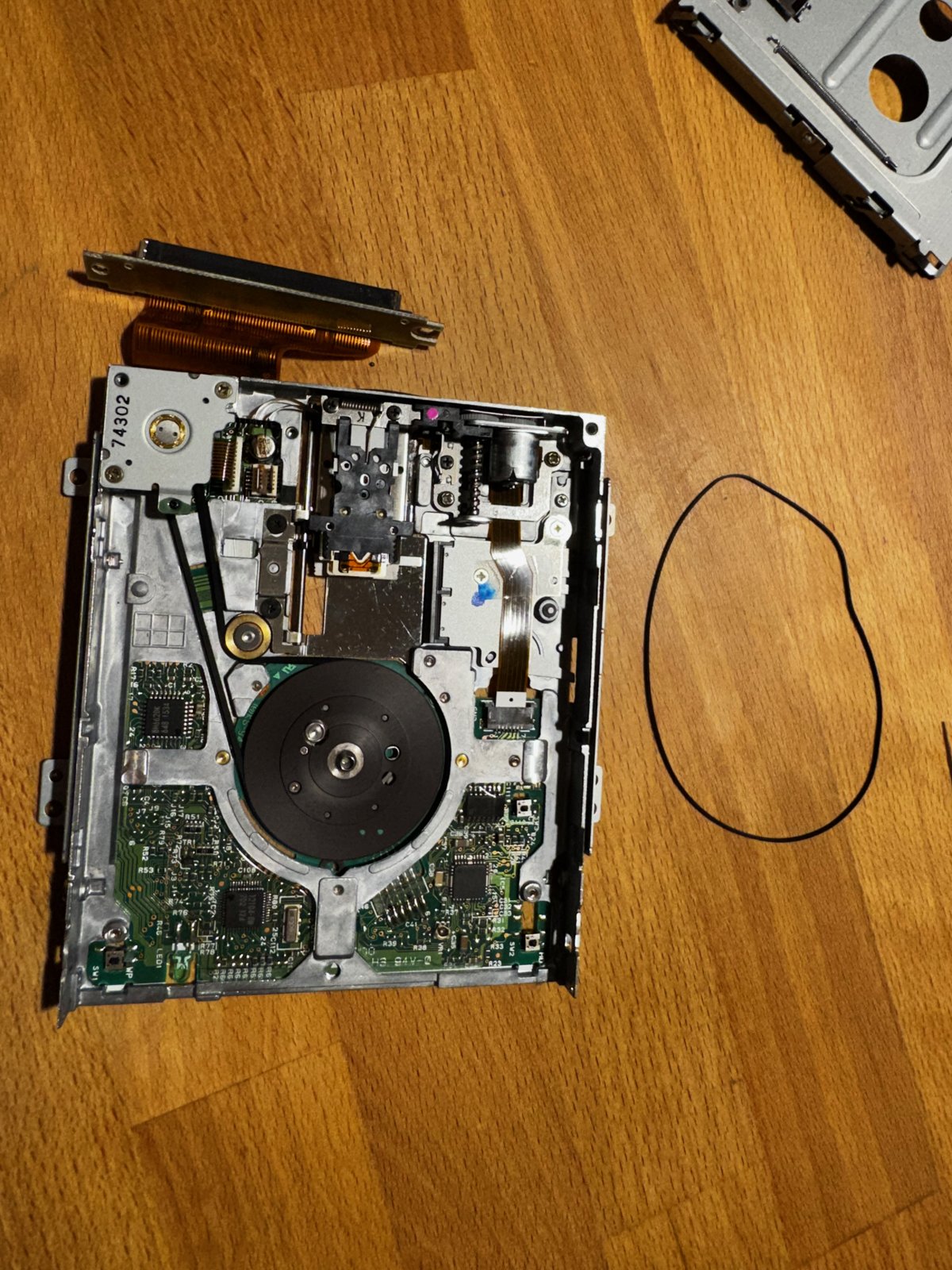
(Fig. 3: The floppy drive with the old belt next to it)
My replacement belt does not fit perfectly, so disks are not always read reliably. But at least I could boot DOS from a floppy disk again.
Finding the Cause of the Stripes
Then I took the display apart. When I gently ran a screwdriver along the top edge of the panel, where the driver chips are connected to the glass, the stripes flickered:
(Video: Gently running a screwdriver along the driver connections - the stripes move)
Soldering anything here was out of the question. So I decided to try hot air.
Thermalwrong explained on Vogons what actually happens there: the column drivers sit on a film (chip on film) and are connected to the contacts on the TFT glass with an anisotropic conductive adhesive. When this adhesive loses contact, the columns of that driver fail - and you see stripes. Heat melts the adhesive again.
Hot Air
To protect the rest of the panel, I covered it with Kapton tape and left only the edge with the driver connections free:
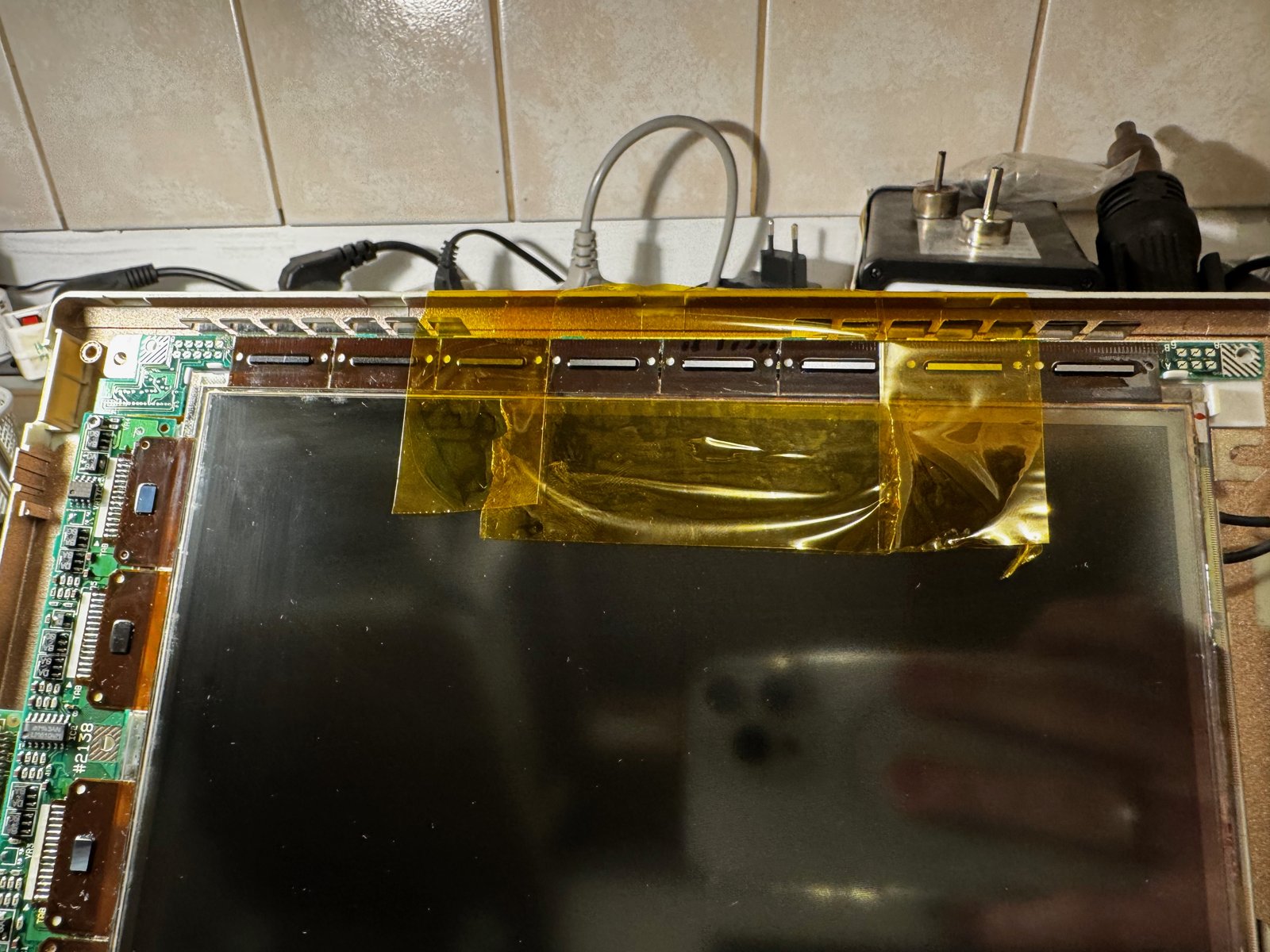
(Fig. 4: Kapton tape protects the panel; only the edge with the driver connections is free)
I used my SMD rework station 858D, starting at 250°C with the air on full speed and a nozzle with a diameter of about 1 cm. My plan was to slowly increase the temperature if nothing happened.
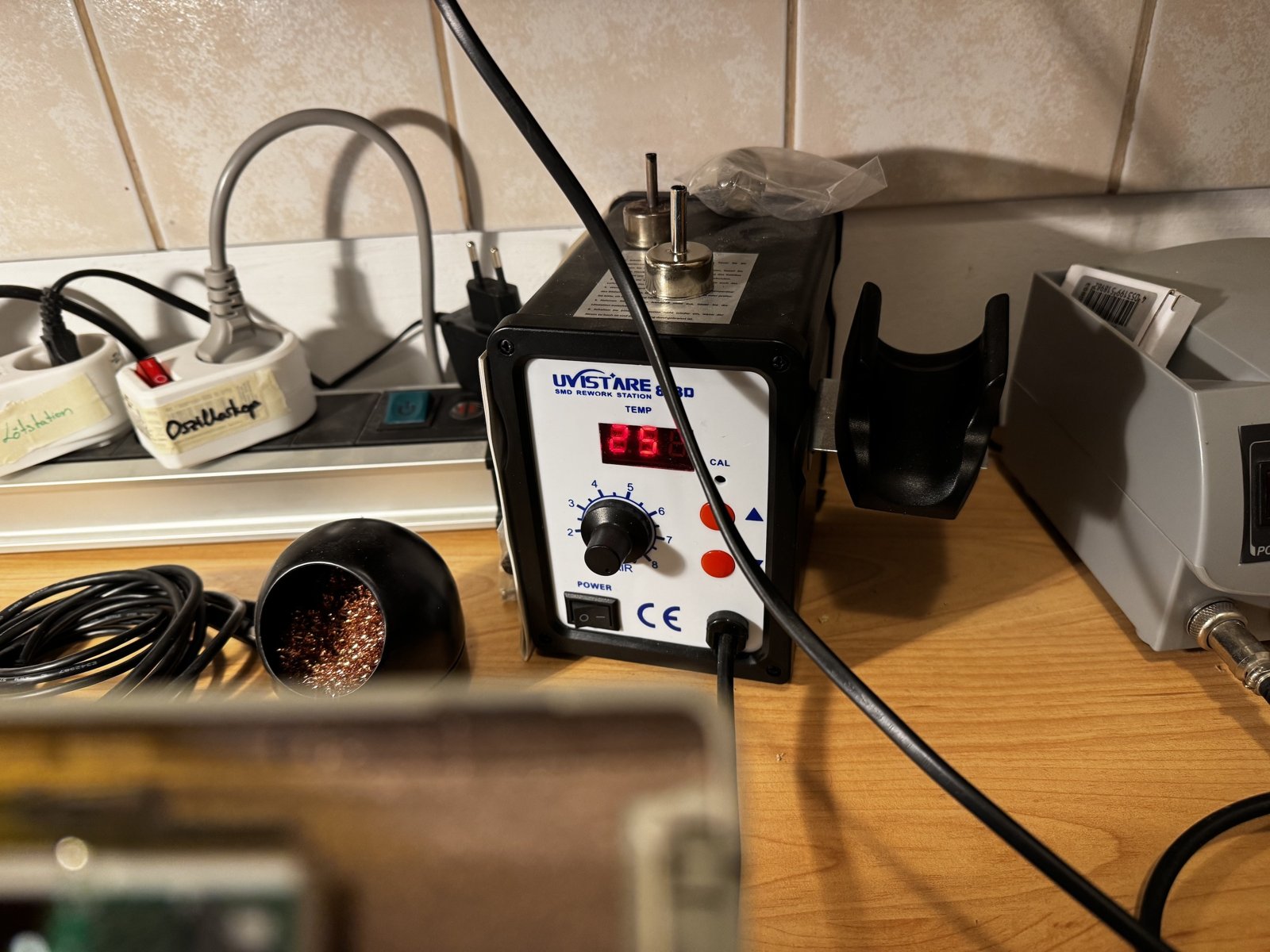
(Fig. 5: The 858D rework station at 250°C)
That was not necessary. About 3-5 seconds after I aimed the hot air at the edge, more stripes appeared and began to flicker. I removed the heat gun right away - and when it cooled down, the stripes disappeared:
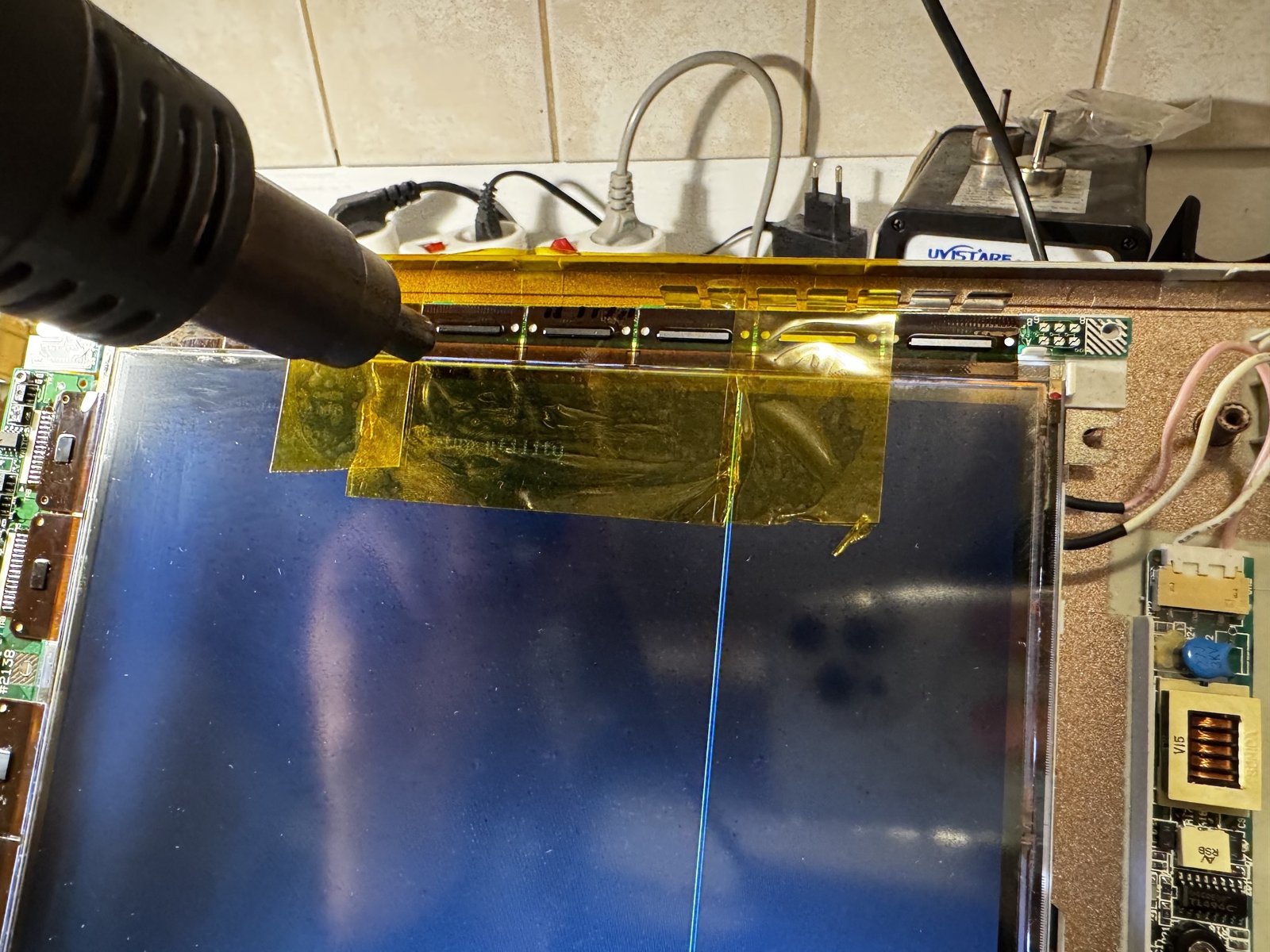
(Fig. 6: Hot air on the driver connections)
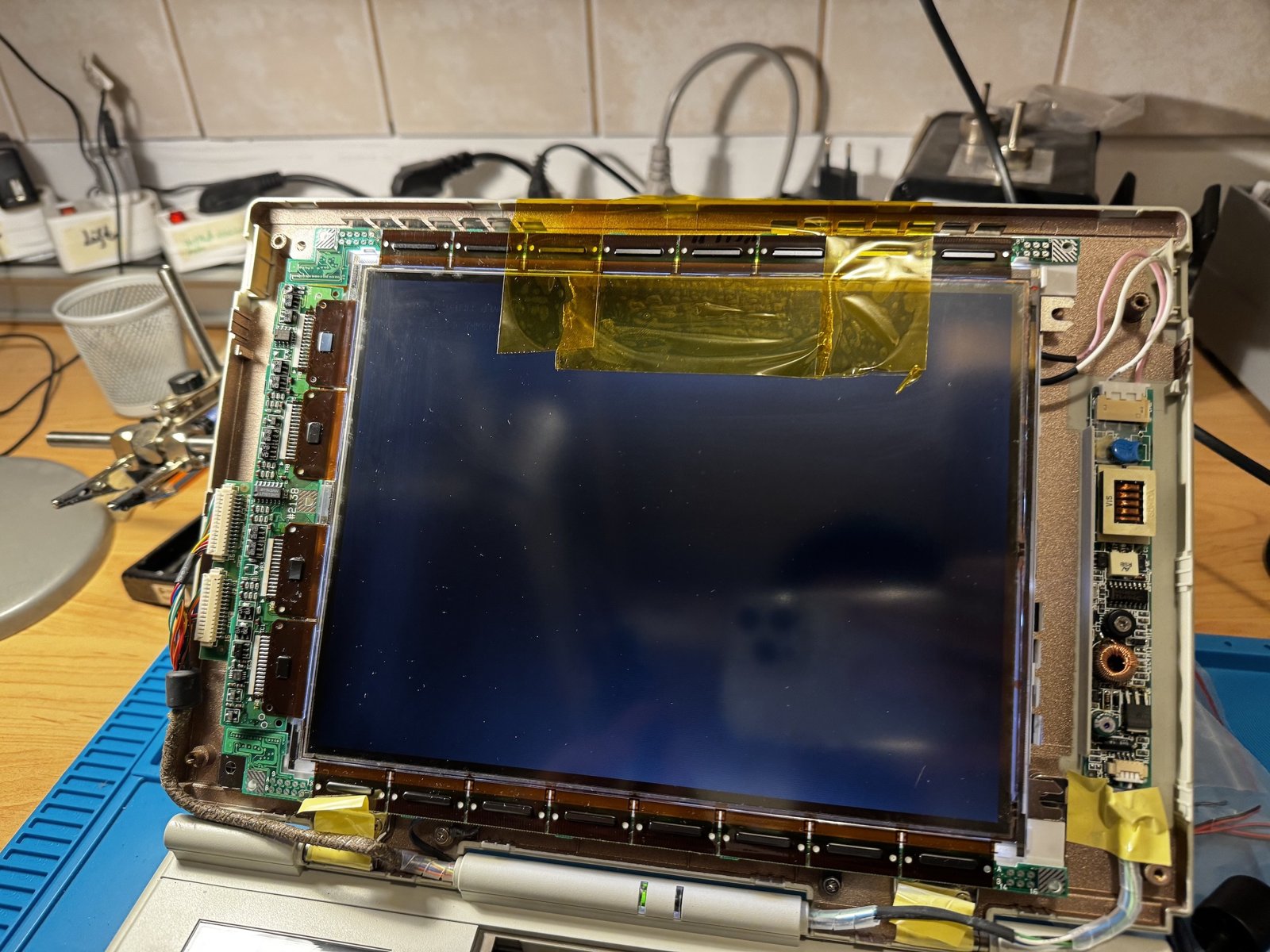
(Fig. 7: After cooling down: no more stripes)
Tiido on Vogons was a bit surprised that the glass did not crack from the uneven heating. The short time and the Kapton mask probably helped. He used to do this with a soldering iron through Teflon tape - today he would use Kapton. So be careful, and keep the heat short.
The System Error
The "System Error" of Windows 3.11 had nothing to do with the display. It was fixed by a replacement hard drive.
Result
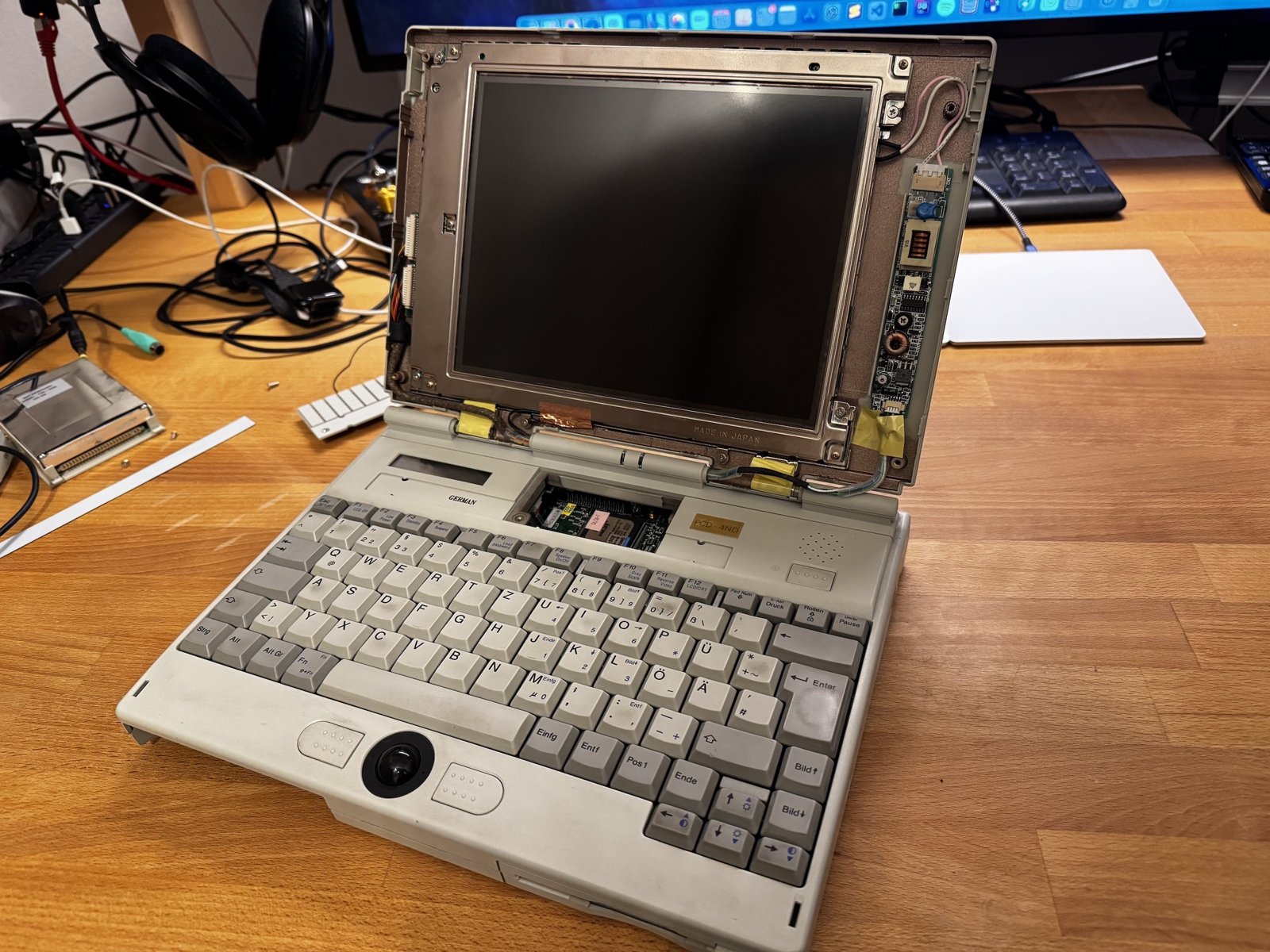
(Fig. 8: The PCD 4ND with a working display)
I'm super happy. Apart from the floppy drive belt, I now have a fully working PCD 4ND.
At that time, I did not know whether this would be a permanent fix or just a temporary one.
While I was at it, I also wanted to replace the CMOS battery and clean the trackball - which ended with a broken flat flex cable. That story is here: Fixing a broken flex cable.
The original thread on Vogons: How I repaired a Sharp LQ94D021 with vertical stripes of a Siemens Nixdorf PCD 4ND
Update: Almost Two Years Later
Now, in October 2026 - almost two years after the repair - the fix is still holding: the stripes have not come back. The only thing that is slowly getting worse is the polarizer, the top layer of the display.
Comments on "Fixing a red stripe in an old Display"
Comments are moderated before publication. Only substantive and constructive comments will be approved.