Just want to try it? Cobalt runs on any Tungsten T3, loaded from an SD card, without touching the flash. A reset brings back Palm OS 5. The steps are in Try it yourself at the end of Part 2.
Palm OS 6 "Cobalt" is the Palm OS that never shipped. PalmSource finished version 6.1 in 2004, licensees announced devices, and then nothing came out. What survived are the developer tools: a Windows simulator, an SDK and a pile of documentation. This series is about getting Cobalt onto real hardware, a Palm Tungsten T3, and writing down every step on the way.
This first part covers how I went from "this is impossible" to Cobalt 6.1 booting to its launcher in an emulator, and why the next step does not need a single flash write.
What you can download today
The usual starting point is the Cobalt 6.1 simulator (PalmSim61_Rel.zip, once offered on PalmSource's download page) and the "Generic" packages for 6.0 and 6.1 from the Palm Simulator page of palmdb.net. They are genuine PalmSource builds from 2003 and 2004, and they are not much help for real hardware:
- All 1,098 EXE and DLL files are compiled for Intel x86. The simulator is not an emulator. It is Cobalt itself, built natively for Win32.
- The
.romfiles contain no code. According to the build report, the "kernel" in the ROM takes 400 bytes and the boot loader 216 bytes. They are stubs that point at the DLLs. - The Cobalt 6.1 SDK does ship ARM libraries (
ARM_4T/…/UILib.saand friends). They are real ARM ELF files, but every one of the 793 UI functions is a 32-byte import stub. There is no implementation inside.
So the public material defines the API down to the last dispatch table, but there is no ARM code of the OS itself. Rebuilding Cobalt from 22 MB of x86 code would be a multi-year project.
The find
Dmitry Grinberg's uARM emulator boots real Palm ROMs on emulated hardware. Its README contains an example command that is easy to read past:
./uARM -r PalmOsCobaltT3.img # Boot PalmOs Cobalt on the T|T3
The list of tested images in the same README includes PalmTungstenT3-Cobalt.NOR.bin, with a SHA-256 hash. The image pack on the uARM page of palmdb.net (uARM.palm.images.zip) contains that file, and its hash matches.
It is the real thing:
- a 16 MB NOR flash image for the Tungsten T3,
- the version string
PalmOS 6.1.0r21, - ARM kernel source paths from PalmSource's build tree, such as
I:\src\platform\hardware\arch\ARM\KHAL\KHAL.candcore\Kernel\Thread.c, - palmOne drivers for the T3 hardware (
PalmOneKeyboard,PalmOneSPIProvider, a TSC2101 touch driver).
A quick correction for anyone following along: the Tungsten T3 uses an Intel XScale PXA263, not the TI OMAP1510 of the Tungsten T and T2.
A clue in the layout
Mapping the image block by block turned up something interesting:
| Range | Size | Content |
|---|---|---|
| 0x000000-0x010000 | 64 KB | Cobalt boot code |
| 0x020000-0x030000 | 64 KB | device data |
| 0x040000-0xB40000 | 11 MB | Cobalt |
| 0xB40000-0xEF0000 | 3.7 MB | identical, byte for byte, to the Palm OS 5 ROM |
| 0xEF0000-0x1000000 | 1.1 MB | empty |
The last 3.7 MB of used space are leftover Palm OS 5 applications. The most likely explanation is that this image was read from a real T3 that had been flashed from Palm OS 5 to Cobalt, and the flasher never touched the blocks past the end of Cobalt. In other words: at some point, a real Tungsten T3 ran Cobalt.
Cobalt boots
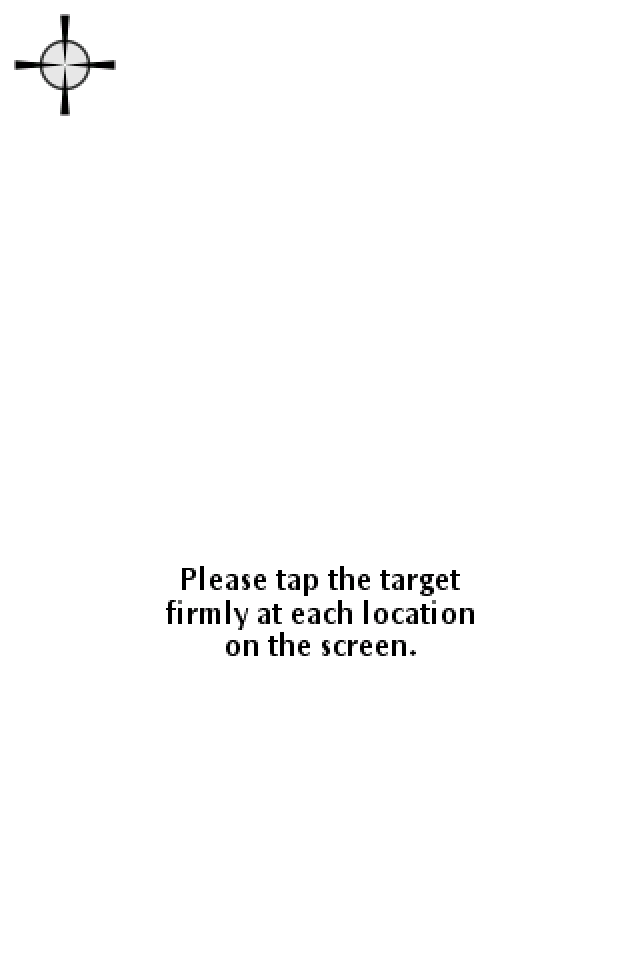
uARM builds on a Mac with clang and SDL2. Started with the Cobalt image, the serial debug log shows a complete boot: kernel, data manager, application manager, the IOS driver framework, Bluetooth stack, and PACE for 68K applications. Then the screen comes up.
(Fig. 1: Touchscreen calibration)
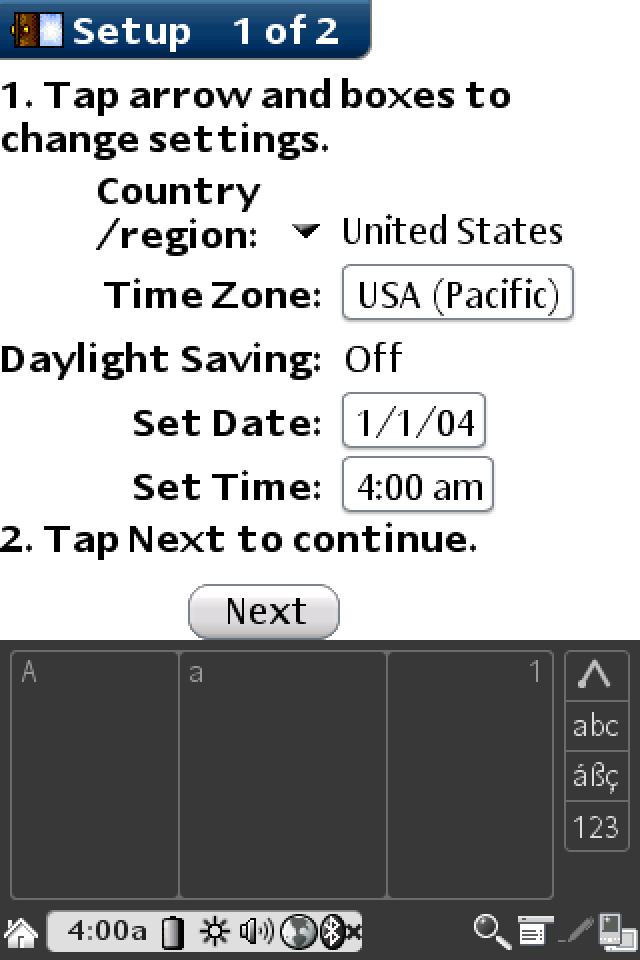
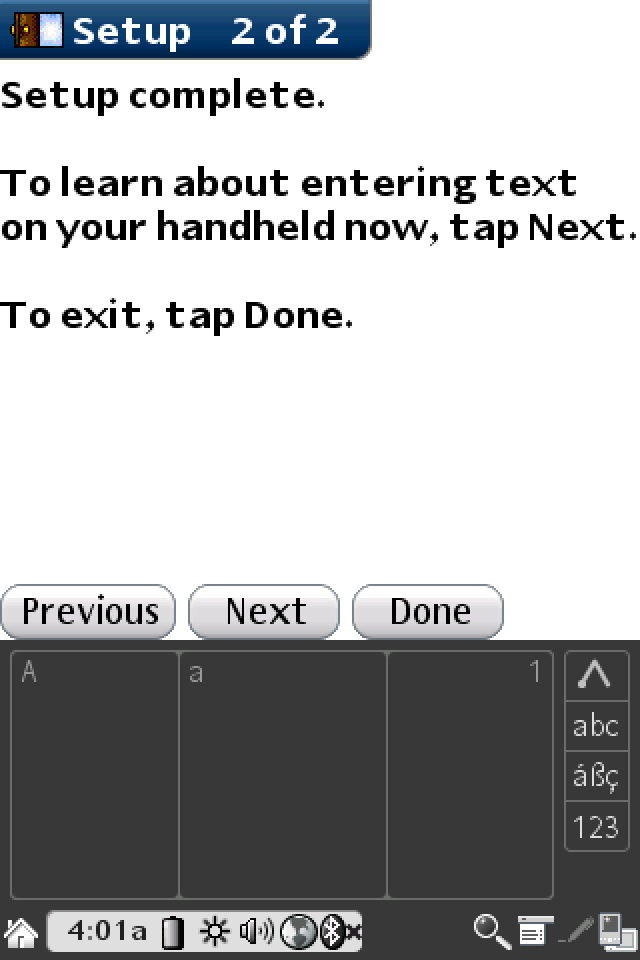
After three calibration taps, the setup wizard appears, with the Cobalt status bar and the dynamic Graffiti input area.
(Fig. 2: Setup, page 1)
(Fig. 3: Setup complete)
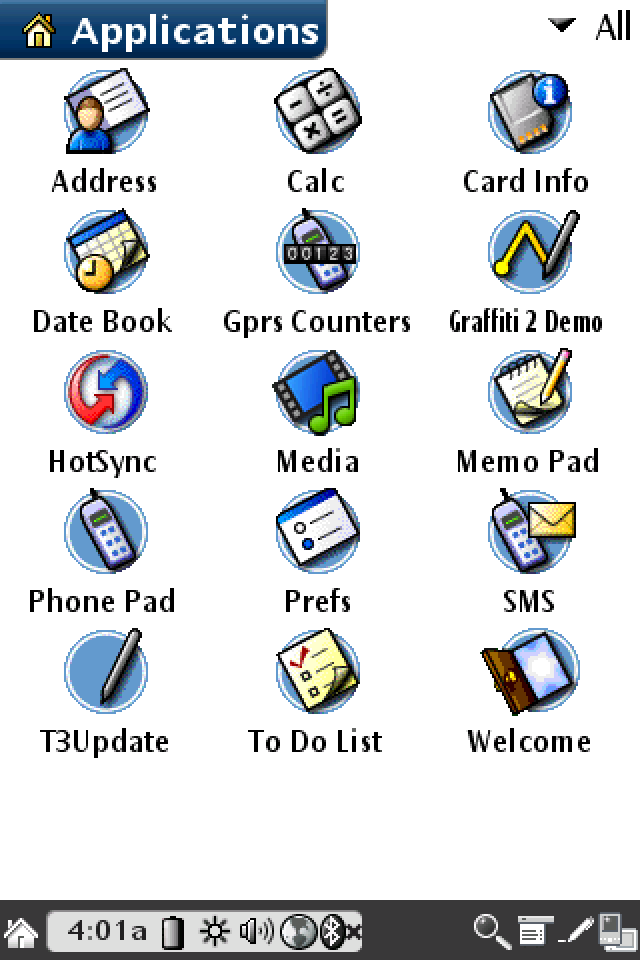
And then the launcher:
(Fig. 4: The Cobalt launcher on a Tungsten T3)
Address, Calc, Card Info, Date Book, Gprs Counters, Graffiti 2 Demo, HotSync, Media, Memo Pad, Phone Pad, Prefs, SMS, To Do List, Welcome, and one app that stands out: T3Update.
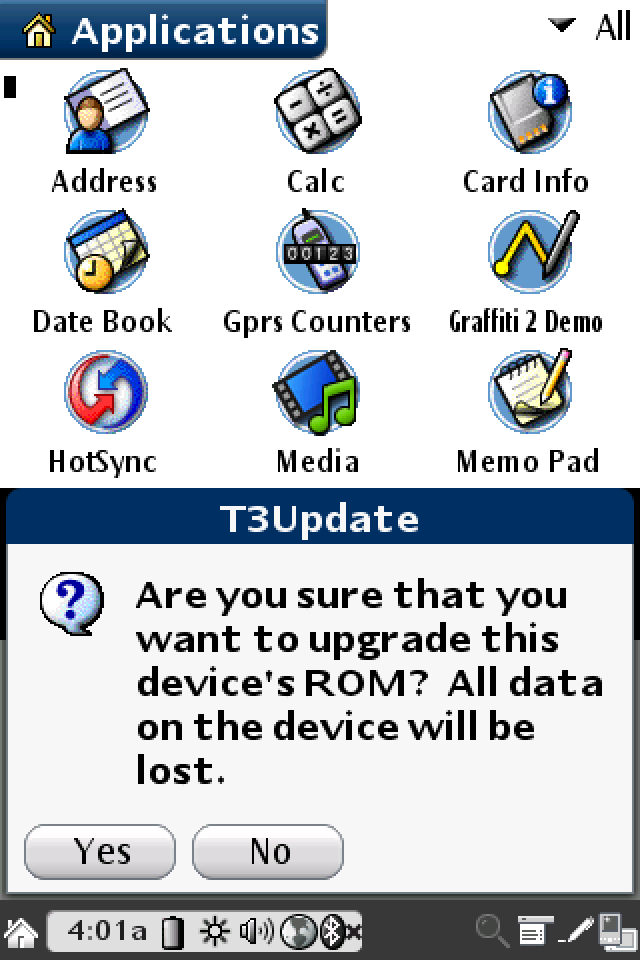
(Fig. 5: T3Update)
T3Update calls itself the "T3 Flash Update Tool". It expects a new ROM as a HotSync database of type widebin, checks a boot image and an OS image with signatures, and has one memorable error message: "flash bank is write protected - please set S14 to dot position". S14 sounds like a switch on palmOne development hardware. T3Update updates a T3 that already runs Cobalt, so it does not help me get there from Palm OS 5. It does confirm that flashing Cobalt onto T3 hardware was routine at palmOne.
Making the emulator usable
The first sessions ended the same way every time: after about two minutes the emulator stopped reacting to clicks, and the host CPU sat at 100 %. Cobalt was not crashing. It switched the display off, exactly like a real Palm, and could not be woken again. Tracing the emulated hardware turned up three bugs in uARM, each hidden behind the previous one:
- No power button. Cobalt waits for the on/off button of the T3's TPS65010 power chip. It unmasks exactly one interrupt in that chip, bit 7 of the regulator status, the same bit Linux'
tps65010driver callsTPS_REG_ONOFF. The chip's interrupt line goes to GPIO 14. uARM modeled neither. Now Escape is the power button. - An interrupt that never went away. uARM treated the PXA LCD controller's interrupt mask bits the wrong way round. After switching the display off, Cobalt was flooded with a "display disabled" interrupt it had explicitly masked, about 1.85 million times per second, and never reached the sleep instruction.
- Sleep was only pretended. uARM resumed from sleep immediately, without a wake reason, so the OS went straight back to sleep. Now the core really stops until an enabled wake source fires: a GPIO edge such as the power button, or an RTC alarm.
While at it, I fixed the CPU load. Cobalt asks the CPU to idle about 620,000 times per second, uARM ignored that, and the LCD produced around 2,950 frames per second. With idle mode, guest time tied to real time and a 56 Hz frame rate, the emulator now uses about 6 % of one Mac core while Cobalt waits for input, and about 2 % while it sleeps.
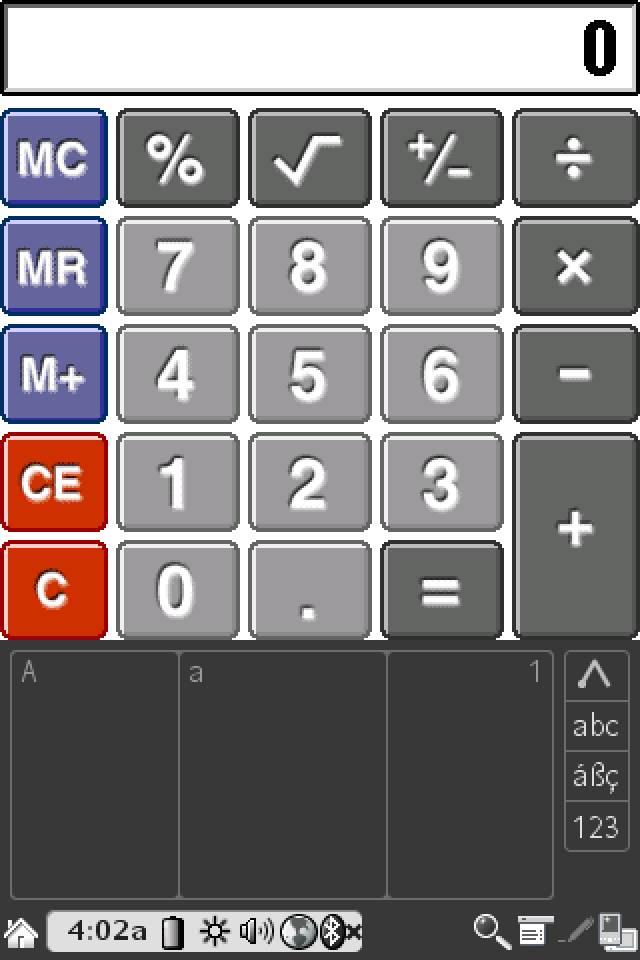
(Fig. 6: Cobalt's calculator after waking up)
Backing up the real T3
Before anything touches the real device, I need a full backup of its ROM. Dmitry's os5RomDump does that without serial or USB. I installed it over a serial HotSync from a Mac, using Chuan Ji's palm-sync, a modern TypeScript implementation of the HotSync protocols that talks to a USB-serial adapter just fine.
The dump in "Smart" mode wrote H_aAz1_D_Arz1_C_Palm.smart.bin to the SD card: 15,663,104 bytes, the whole used part of the flash. Arz1 is the T3's device ID.
Compared with the Palm OS 5 reference image from uARM, 238 of 239 blocks of 64 KB are identical. The only difference is 11 bytes in the device data block: the ROM tokens with the serial number (00V5A…), the Bluetooth address and the touchscreen calibration. These bytes exist nowhere else, and any ROM I ever flash onto this T3 has to carry them over. The backup boots in uARM, so I know it is complete.
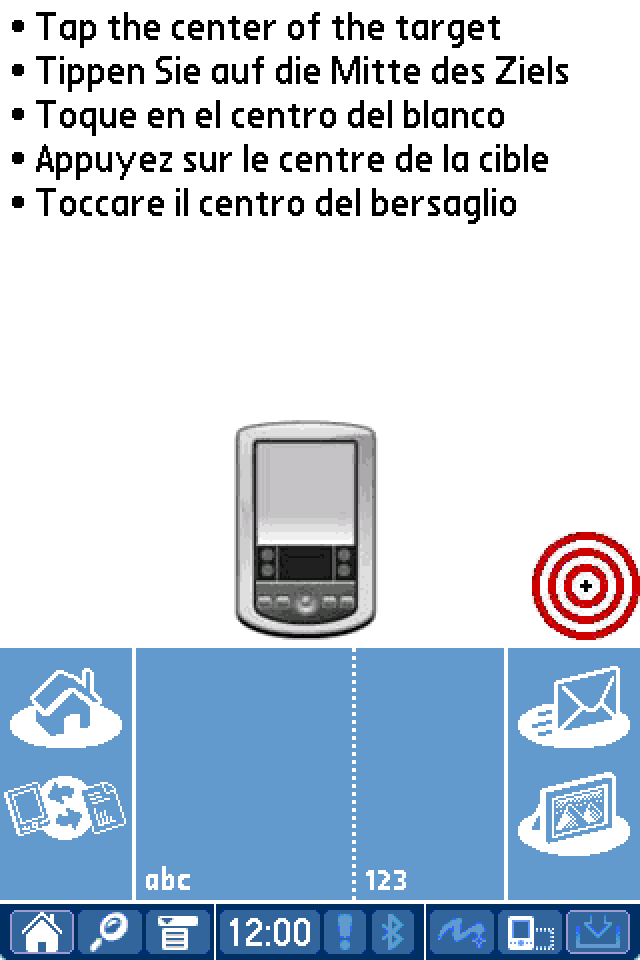
(Fig. 7: My own T3 ROM booting in uARM)
What's next
Flashing Cobalt replaces the T3's boot code as well. If that goes wrong halfway through, the device does not start any more, and there is no documented JTAG recovery for the T3. So the next step avoids the flash entirely: load the Cobalt image from the SD card into the T3's 64 MB of RAM and start it from there, the same way Linux boot loaders like Garux and Cocoboot start Linux on these devices. A reset brings back Palm OS 5.
How that went, in ten attempts on the real device, is the story of Part 2: Ten attempts to boot from RAM.
Thanks and links
- Dmitry Grinberg for uARM, rePalm and
os5RomDump: https://github.com/uARM-Palm/uARM, https://dmitry.gr - palmdb.net for keeping all of this downloadable
- Chuan Ji for
palm-sync: https://github.com/jichu4n/palm-sync
Comments on "Palm OS 6 Cobalt on a Tungsten T3, Part 1"
Comments are moderated before publication. Only substantive and constructive comments will be approved.