The Problem
When I replaced the BIOS battery in my Colani HighScreen BlueNote II with a CR2032 and a Schottky diode (in order to prevent the notebook from charging the battery), I was unexpectedly prompted for a ROM password after the swap: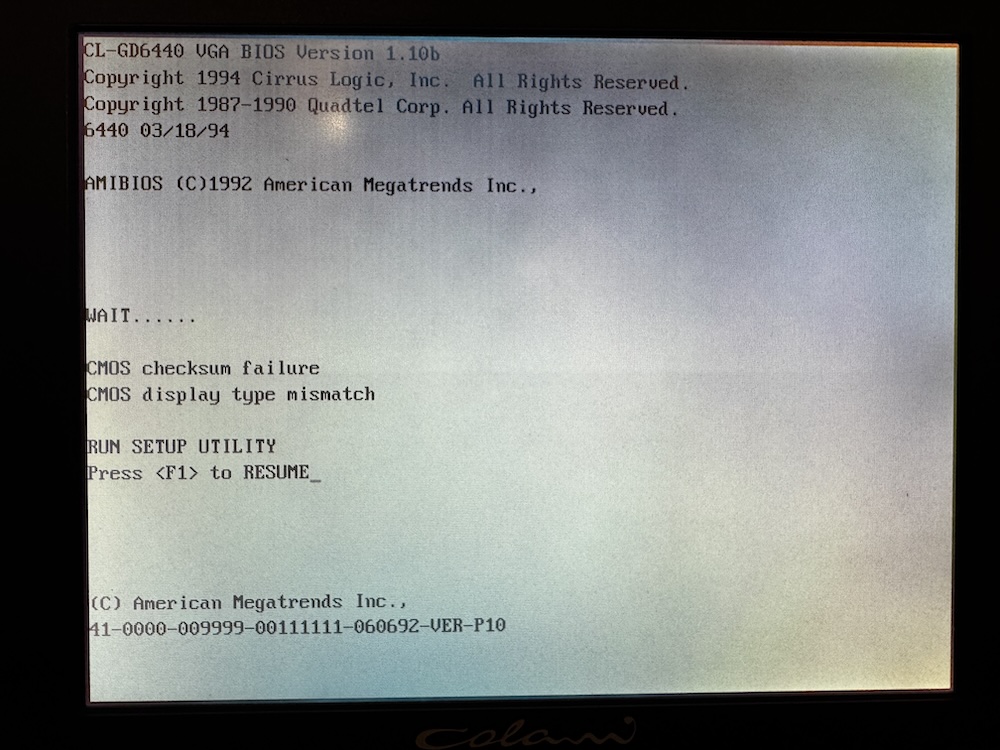
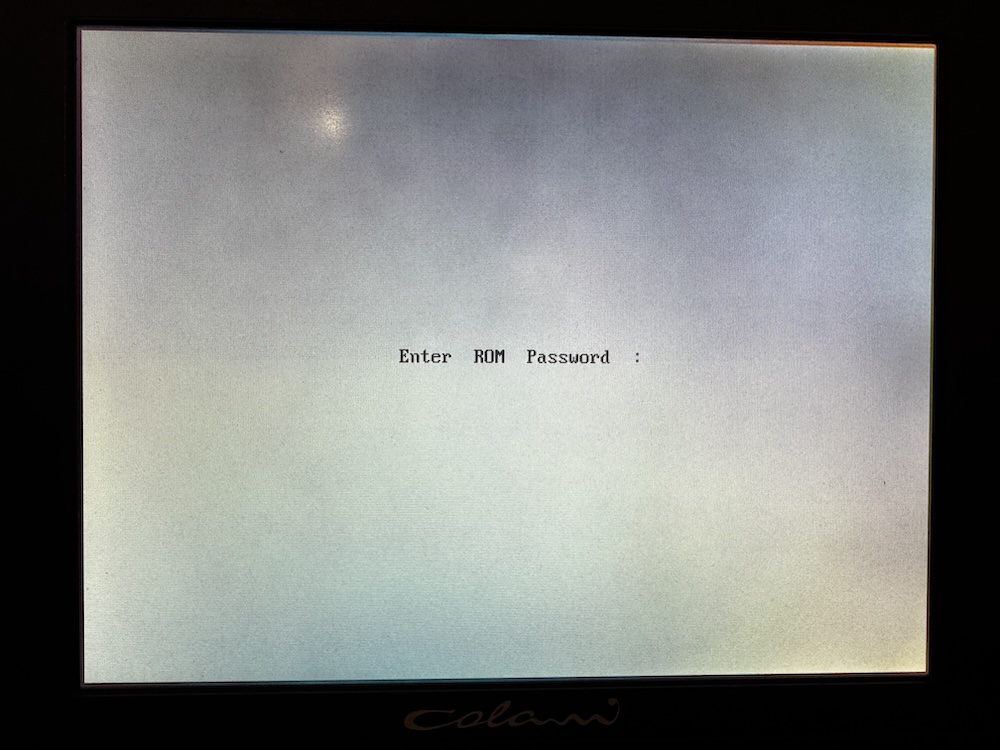
This was surprising because I had accessed the BIOS before the replacement without being asked for a password.
The Solution
Fortunately, others have encountered this issue before, including Jack from the Vintage Computer Federation Forums:
Forum Link
Jack tried different "Backdoor"-Passwords, which were suggested by the user "modem7", and reported, that the default password for the 1992 AMIBIOS labeled 41-0000-009999-00111111-060692-VER-P10 is:
AMI?SW
(All uppercase, with a question mark between "AMI" and "SW")
Using this password, I was able to unlock and access the BIOS again: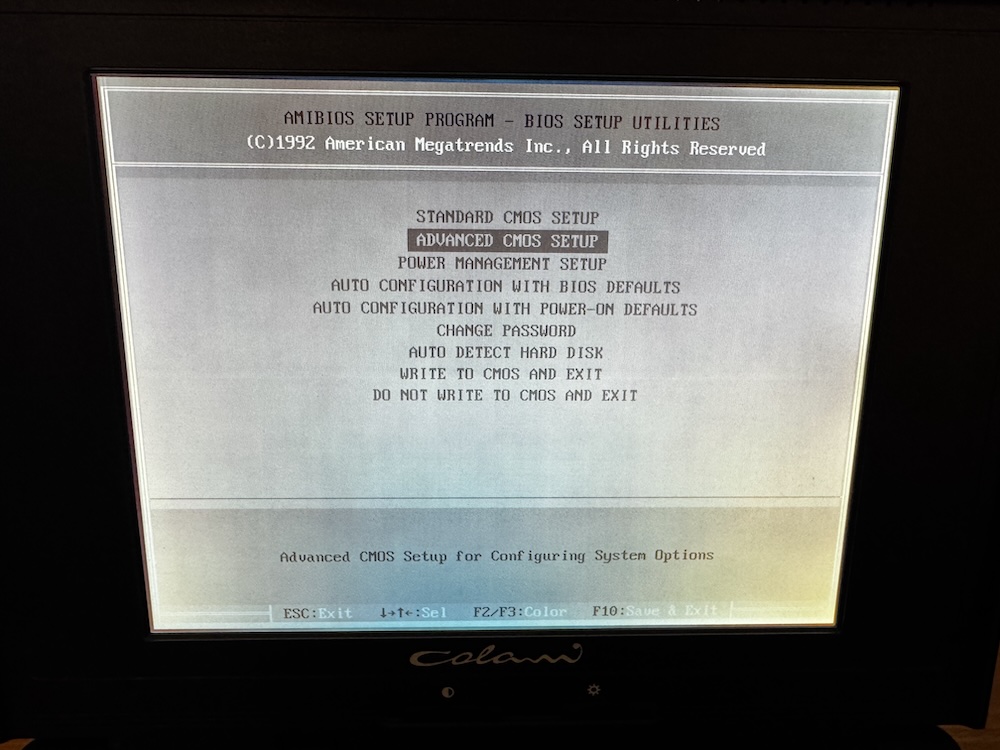
Comments on "Unlocking the BIOS on a Colani HighScreen BlueNote II After Battery Replacement"
Comments are moderated before publication. Only substantive and constructive comments will be approved.